Badge Stock for Zebra ZD621 Printer
Everything you need to know about badge media compatible with the Zebra ZD621 thermal printer: media types, coating, sensing methods, and the sizes SGPad supplies.
1. Media Type
The Zebra ZD621 supports two media formats. SGPad supplies fanfold badge stock as standard.
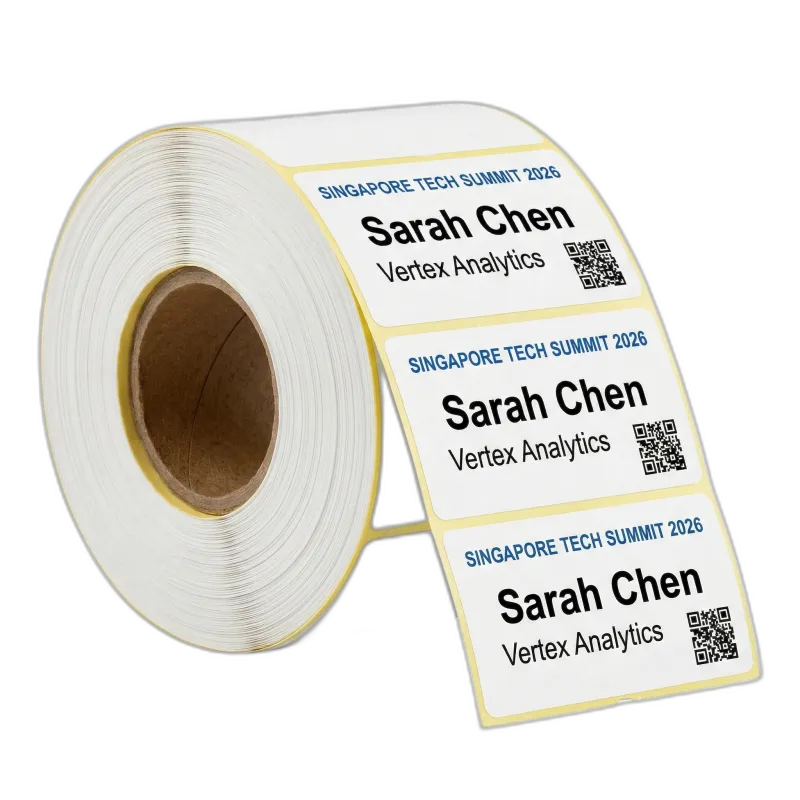
Roll
Wound on a core (0.5″–1.5″ diameter). Maximum roll diameter 2.6″–5.0″. Maximum width 4″, length 2″–12″ per badge. Used with label printers like the Brother QL-820NWB.
Fanfold SGPad Standard
Folded in a zigzag pattern for continuous stacking. Maximum width 4″, length 2″–12″ per badge. No core or spindle needed, feeds directly into the printer from a stack.

2. Coating & Print Method
The ZD621 uses Direct Thermal printing: no ink, no ribbon, no toner.
Direct Thermal Paper
The badge stock surface is coated with a heat-sensitive dye layer. When the print head applies heat, the coating darkens to form text, barcodes, and graphics. Only one side has this coating, the other side is blank with media sensing marks.
| Property | Detail |
|---|---|
| Print Method | Direct Thermal (heat-activated, no consumables) |
| Print Colour | Black only |
| Printable Side | Coated side only (top side when loaded correctly) |
| Supports QR / Barcodes | Yes, high resolution suitable for scanning |
3. Media Sensing
The printer uses a sensor to detect where each badge starts and ends. Two methods are used depending on the badge stock.
Mark Sensing SGPad Standard
A black line printed on the back of each badge tells the printer where to cut or tear. The mark should span the full width of the badge and be approximately 1/8″ (3mm) tall.
This is the sensing method used by SGPad’s thermal fanfold badge stock.
Gap / Notch Sensing
A physical gap or hole between each badge tells the printer where to separate. Common on label rolls. The sensor detects the absence of material (the gap) between badges.
Used by some third-party badge stock. Confirm your printer’s media type setting matches.
4. Badge Sizes Available from SGPad
We supply the two most common conference badge sizes, both compatible with the Zebra ZD621.
Need Badge Stock for Your Event?
We supply badge stock in batches of 250. Tell us your attendee count and badge size and we’ll include the right quantity in your quote.